
AI-Powered CAD/CAM: How Artificial Intelligence Is Changing Dental Milling in 2026
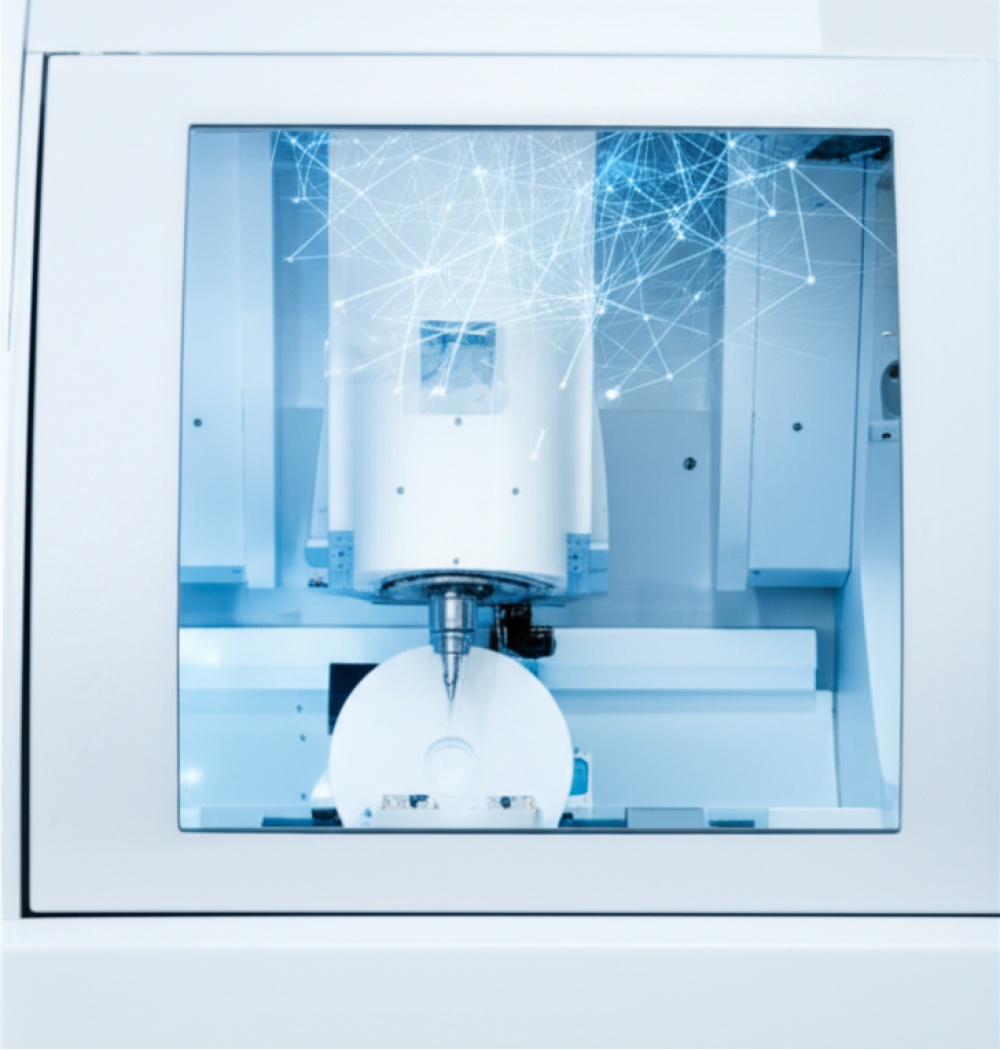
AI Is Already Inside Your Milling Machine
If your CAD/CAM mill was built after 2024, there's a good chance it already runs some form of AI — you just haven't noticed. Machine manufacturers have been quietly embedding predictive algorithms into firmware updates, and the results show up as fewer failed restorations, shorter cycle times, and burs that last longer between replacements.
This isn't hype. The numbers from early 2026 lab benchmarks tell a clear story: labs running AI-improved toolpaths report a 17% drop in milling errors and 22% faster turnaround compared to non-AI workflows. Here's what's actually happening under the hood, and what it means for your daily output.
Adaptive Toolpath Optimization
Traditional CAM software calculates a fixed toolpath based on the STL file and a static material profile. The milling machine follows that path regardless of what happens during the cut. If the zirconia blank has a dense spot or the bur starts wearing unevenly, the machine doesn't know — it just keeps going.
AI-driven toolpath systems work differently. They monitor spindle load, vibration patterns, and cutting forces in real time, then adjust feed rates and step-over distances mid-cut. When the bur hits a harder region in a pre-sintered zirconia disc, the system automatically reduces feed speed to prevent chipping. When it moves through softer material, it speeds up to save time.
The practical impact: labs running adaptive toolpaths on machines like the VHF K5+ and IMES iCORE 350i report first-pass success rates above 90% for multi-unit zirconia bridges — up from roughly 68% just two years ago. That's fewer remakes, less wasted material, and more billable units per day.
RFID Material Recognition
One of the smarter AI-adjacent features rolling out in 2026 is RFID-tagged milling blanks. The idea is simple: embed a tiny RFID chip in each zirconia block or PMMA disc that stores the exact material composition, lot number, and recommended milling parameters.
When you load the blank into the machine, the mill reads the tag and automatically sets spindle speed, feed rate, and coolant flow for that specific disc. No manual entry, no guessing, no accidentally running a multilayer zirconia disc with monolithic settings.
This matters most for labs milling multiple material types in the same day. Switching between zirconia, PMMA, and glass ceramic used to mean manually updating parameters each time — a step that's easy to skip when you're rushing through a backlog. RFID tagging eliminates that risk entirely.
Predictive Bur Wear Monitoring
Dental milling burs wear out gradually, and the quality drop isn't always visible until you pull a rough crown off the machine. AI-based wear monitoring tracks how many units each bur has milled, the materials it's cut, and real-time performance data like spindle current draw.
When the system detects that a bur is approaching end-of-life — based on actual cutting performance, not just a unit count — it flags a replacement warning before quality degrades. Some systems even predict how many more units a bur can safely complete.
For labs running high volumes of zirconia milling burs, this translates directly to cost savings. You stop replacing burs too early (wasting money) or too late (wasting crowns). The sweet spot is somewhere around 85-90% of actual tool life, and AI monitoring finds it more reliably than manual tracking.
AI-Assisted Design Validation
Before a file reaches your milling machine, AI tools in the CAD stage can catch problems that used to show up only after milling. Wall thickness violations, undercut geometry that can't be milled in your axis configuration, or connector sizes too thin for the selected material — these all get flagged before you waste a blank.
Several CAD platforms now offer automated design checks that run in under 30 seconds. They compare your restoration design against a database of known failure patterns and flag specific areas that need attention. This is particularly useful for less experienced technicians who haven't yet developed the intuition for what mills well and what doesn't.
What This Means for Your Lab
AI in dental milling isn't about replacing technicians — it's about catching the mistakes that cost you materials and time. The labs seeing the biggest gains from AI features are the ones milling 20+ units per day, where even a small percentage improvement in first-pass success compounds into real savings.
If you're running a newer 5-axis machine, check whether your manufacturer offers AI-enabled firmware or CAM software updates. Many of these features are already available at no extra cost — you just need to turn them on.
For labs still running older equipment, the immediate takeaway is that material consistency matters more than ever. As AI-equipped competitors reduce their error rates and turnaround times, staying competitive means getting the most out of every cut. Start with the basics: use quality browse by machine brand matched to your milling materials, keep your coolant system clean, and track your bur life systematically.