
Zirconia Milling Burs: Selection, Speed Settings & Troubleshooting
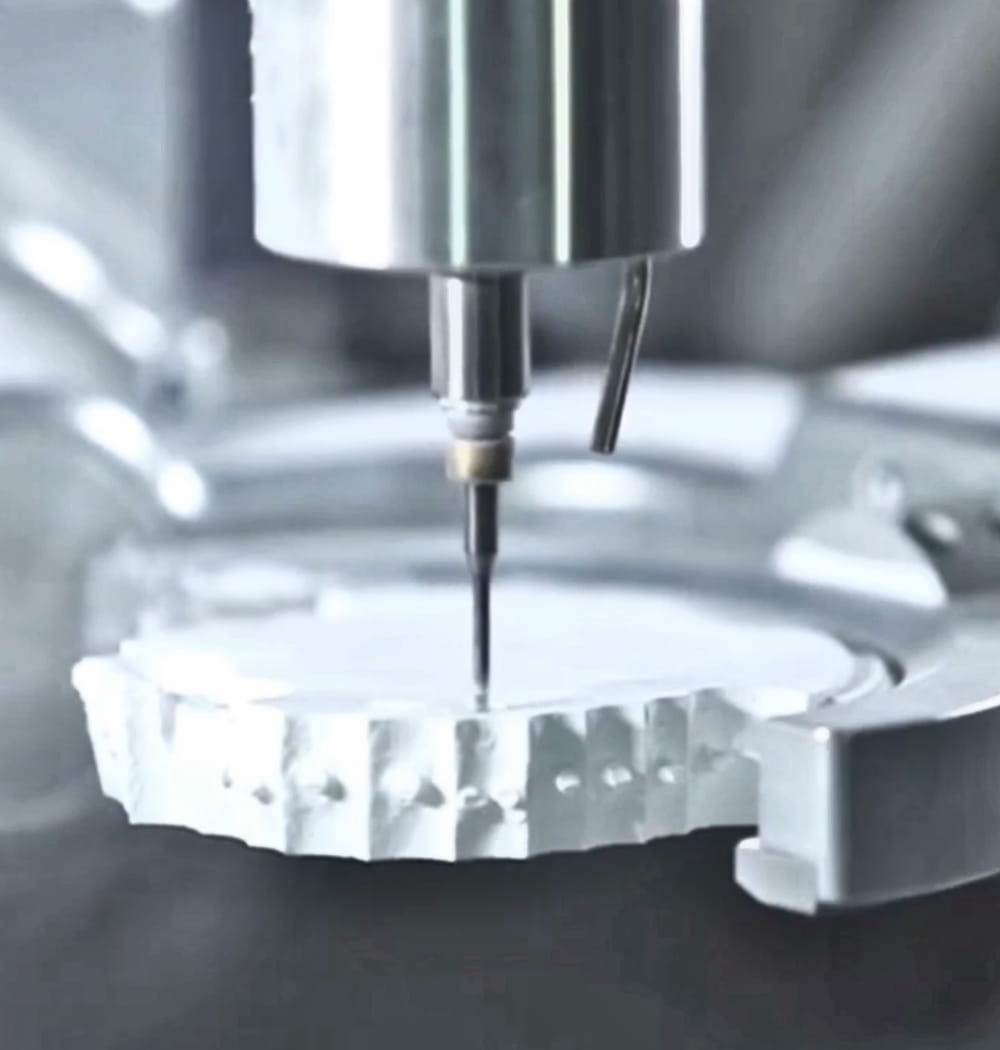
You bought a set of zirconia burs rated for 300 units. You're replacing them at 80. Maybe 100 on a good week. The blanks look fine, your CAM settings haven't changed, and the machine seems to be running normally. So what's eating your burs alive?
Nine times out of ten, the answer is a mismatch between the zirconia you're milling and the parameters you're using. Not all zirconia is the same hardness. Not all burs are designed for the same zirconia. And the default speed-and-feed settings your CAM software shipped with were probably calibrated for a material that's two generations old.
Zirconia Isn't Zirconia Anymore
Five years ago, most labs were milling one type of zirconia: opaque, strong, 3Y-TZP. You'd sinter it, layer feldspathic on top, and call it a day. Bur selection was simple because the material was predictable — around 1,200 HV in its pre-sintered state, consistent grain structure, forgiving to mill.
Now you're dealing with three distinct categories, and each one interacts with your zirconia milling burs differently.
Monolithic 3Y-TZP (Traditional High-Strength)
This is your full-contour posterior crown material — BruxZir Solid, Katana STML, Prettau. Flexural strength around 1,100-1,200 MPa. In its green state, it mills like chalk. Standard two-flute carbide burs handle it without drama. This is the baseline everyone's settings were built for.
Multi-Layer / Gradient Zirconia
Materials like Katana UTML, IPS e.max ZirCAD Prime, and Nacera Pearl feature multiple layers with different yttria concentrations stacked in a single blank. The problem: the transition zones between layers have inconsistent density. Your bur passes through a softer enamel layer, hits the denser dentin layer, and experiences a sudden load change. This is where you get micro-chipping at layer boundaries and uneven bur wear. Run 10-15% lower feed rates through transition zones if your CAM software allows layer-specific parameters.
Translucent 5Y-PSZ (The Bur Killer)
Here's what catches people off guard. Ultra-translucent zirconia — Katana STML, BruxZir Anterior, Prettau Anterior — looks delicate. It's marketed as the aesthetic option. But the 5Y-PSZ crystal structure that gives it translucency also makes the pre-sintered blank significantly harder to mill than traditional 3Y. The cubic phase is more abrasion-resistant than the tetragonal phase, even before sintering.
If you're using the same burs and the same settings for translucent zirconia that you use for standard monolithic, you're burning through tools at 2-3x the normal rate. This single misunderstanding accounts for most of the "my burs don't last" complaints I hear at trade shows.
For translucent zirconia, you want diamond-coated burs or, at minimum, newer-generation micro-grain carbide. And you need to adjust your speeds downward. More on that below.
Speed and Feed Settings That Actually Work
The following table reflects real-world settings that experienced labs are running — not manufacturer defaults, which tend to be conservative to avoid support calls. These are starting points. Your specific zirconia blocks, bur condition, and machine rigidity all factor in.
| Machine | Zirconia Type | Roughing RPM | Roughing Feed (mm/min) | Finishing RPM | Finishing Feed (mm/min) |
|---|---|---|---|---|---|
| Roland DWX-52D | Standard 3Y | 18,000 | 1,800 | 18,000 | 1,200 |
| Roland DWX-52D | Translucent 5Y | 16,000 | 1,400 | 16,000 | 900 |
| VHF K5 | Standard 3Y | 30,000 | 2,500 | 30,000 | 1,600 |
| VHF K5 | Translucent 5Y | 25,000 | 1,800 | 28,000 | 1,200 |
| Imes-icore 350i | Standard 3Y | 30,000 | 2,800 | 30,000 | 1,800 |
| Imes-icore 350i | Translucent 5Y | 26,000 | 2,000 | 28,000 | 1,400 |
| AG Ceramill Motion 3 | Standard 3Y | 25,000 | 2,200 | 25,000 | 1,400 |
| AG Ceramill Motion 3 | Translucent 5Y | 22,000 | 1,600 | 24,000 | 1,100 |
A few things to notice. For translucent zirconia across every machine, you're dropping RPM by 10-20% and feed rate by 20-30% compared to standard. Yes, your cycle time increases. A single crown might take an extra 3-4 minutes. But when your bur set lasts 250 units instead of 80, the math works out overwhelmingly in your favor.
If you're running an Imes-icore 350i, the higher spindle rigidity gives you more room to push feed rates than the Roland, but don't let that tempt you into running translucent zirconia at standard-zirconia speeds. The bur doesn't care how rigid your spindle is — the material hardness is the same.
For Ceramill Motion 3 users: the Ceramill Match software has material-specific toolpath strategies. Make sure you're selecting the correct zirconia classification, not just "zirconia generic." The difference in toolpath alone can add 30% to bur life.
Dry vs. Wet Milling: It's Not Always Obvious
The conventional wisdom is simple: mill zirconia dry, mill everything else wet. And for standard 3Y monolithic zirconia, that's still correct. Dry milling with good dust extraction works perfectly. The material is soft enough in its green state that heat generation is minimal, and introducing coolant creates a slurry that can actually clog bur flutes and cause more problems than it solves.
But translucent and multi-layer zirconia have changed the equation. Some labs are getting better results with minimal coolant — not flood cooling, but a fine mist or MQL (minimum quantity lubrication) setup. The reason: translucent zirconia generates more friction heat during milling due to its higher hardness. That heat accelerates carbide bur wear exponentially. A small amount of coolant keeps the cutting edge below the critical temperature where rapid wear kicks in.
For a deeper comparison of cooling strategies and their impact on different materials, see our breakdown of wet vs dry milling.
If you're going to try MQL with zirconia, keep these points in mind:
- Use an air-oil mist, not water-based coolant. Water and zirconia dust create an abrasive paste.
- Flow rate should be minimal — just enough to keep the bur tip cool, not enough to create slurry.
- Clean your machine more frequently. The combination of zirconia dust and oil film builds up on guide rails and ball screws faster than dry dust alone.
- This approach works best on machines with enclosed milling chambers and good filtration. On an open Roland DWX-52D, the mess usually isn't worth the benefit.
Troubleshooting: Real Problems, Real Fixes
Chipping at Margins
You pull the unit off the machine and the margin looks like it was milled with a broken bottle. This is the most common zirconia milling defect, and it has three usual causes:
- Worn finishing bur. A bur that's still cutting acceptably on occlusal surfaces may be too dull to handle thin margin geometry cleanly. Margins are where you see bur wear first because the tool engagement angle changes rapidly. If margins are chipping but everything else looks fine, your finishing bur is past its useful life for precision work — even if it has "units left" by your count.
- Feed rate too high on finishing pass. Drop your finishing feed by 15-20% and see if margins improve. This is the single fastest fix.
- Blank not seated properly. Even 0.1mm of play in the blank holder introduces vibration that shows up as margin chipping. Check your collet or pin system. On the Roland, the adhesive pin connection is a common culprit — if the pin isn't perfectly centered, the blank oscillates.
Burs Breaking Mid-Job
A bur snapping during a cycle is expensive and disruptive. Common causes:
- Excessive stepdown on roughing. If your roughing toolpath is taking cuts deeper than 1.5mm axially in standard zirconia (or 1.0mm in translucent), you're overloading the bur. Reduce axial depth of cut and increase the number of passes.
- Chip packing in flutes. Zirconia dust accumulates in the flute channels, especially on two-flute burs with tight geometry. The packed material prevents chip evacuation, heat builds up at the cutting edge, and the bur fails from thermal stress. Better dust extraction or switching to a bur with a more open flute geometry solves this.
- Runout in the spindle or collet. Even 0.01mm of spindle runout puts asymmetric load on a 2mm bur. Over thousands of revolutions per minute, that asymmetric load becomes a fatigue failure. Check spindle runout with a dial indicator annually, and replace collets on schedule.
- Wrong bur diameter for the geometry. Trying to mill a narrow interproximal slot with a bur that barely fits creates full-engagement cutting conditions on both sides of the bur simultaneously. Use a smaller diameter bur for tight geometry, even if it means a longer cycle.
Poor Surface Finish
The unit mills without chipping, but the surface looks rough or has visible tool marks that shouldn't be there after the finishing pass.
- Finishing stepover too large. The cusp height between adjacent finishing passes is visible as scalloping. Reduce stepover from 0.1mm to 0.05mm. Yes, finishing time doubles — but you eliminate hand-finishing and get more consistent sintering results.
- Bur deflection. Long-reach burs (anything over 15mm effective cutting length) deflect under load, leaving inconsistent surface marks. If you need deep access, use a tapered bur rather than a straight long-reach cutter. The taper adds rigidity.
- Vibration from worn bearings or loose components. Surface finish is the canary in the coal mine for mechanical issues. If you're seeing finish problems across all jobs, not just difficult geometries, inspect your machine.
Excessive Tool Wear
Your burs aren't breaking, but they're dulling far faster than rated. Besides the zirconia-type mismatch discussed above, check these factors:
- Spindle speed too high relative to feed. This is counter-intuitive, but running RPM too high with insufficient feed means each tooth takes a very thin chip. Below a certain chip thickness, the bur rubs instead of cuts. Rubbing generates heat without removing material, and heat destroys cutting edges. The fix is often to increase feed rate, not decrease it.
- Storing burs improperly. Carbide is hard but brittle. Burs rattling against each other in a drawer chip the cutting edges before they ever touch zirconia. Use the individual tubes or foam holders they ship in.
- Milling sintered or partially sintered material. If a blank has been stored improperly and absorbed moisture, or if you accidentally grabbed a partially sintered disc, you're cutting material that's orders of magnitude harder than green-state zirconia. Your burs will be destroyed in one job. Check your blanks.
For a comprehensive look at maximizing tool life across all materials, our guide on extending bur lifespan covers maintenance routines, storage, and rotation strategies.
Carbide vs. Diamond-Coated: The Cost-Per-Unit Math
Standard uncoated carbide burs cost roughly $15-25 each and last 200-300 units in standard 3Y zirconia. Diamond-coated burs run $35-60 each but can deliver 400-600 units in the same material. On standard zirconia, the cost-per-unit is similar — carbide might even win slightly because the upfront cost is lower.
But switch to translucent 5Y zirconia and the calculation flips dramatically:
| Bur Type | Cost | Units in 3Y Zirconia | Cost/Unit (3Y) | Units in 5Y Zirconia | Cost/Unit (5Y) |
|---|---|---|---|---|---|
| Standard Carbide | $20 | 250 | $0.08 | 80 | $0.25 |
| Micro-Grain Carbide | $30 | 300 | $0.10 | 150 | $0.20 |
| Diamond-Coated | $50 | 500 | $0.10 | 350 | $0.14 |
In translucent zirconia, diamond-coated burs cost nearly half as much per unit as standard carbide. If your lab is doing 40% or more of its work in translucent or ultra-translucent zirconia — and many labs are trending that direction as full-contour anterior cases increase — diamond-coated burs pay for themselves within the first 100 units.
There's also a quality argument. Diamond-coated burs maintain their edge geometry longer, which means your 200th unit has closer dimensional accuracy to your 10th unit than with carbide. If you're milling implant abutments or precision-fit copings, that consistency matters more than the per-unit cost difference.
When to Stay With Carbide
Diamond-coated isn't always the answer. If you're primarily milling standard monolithic zirconia for posterior crowns and bridges, good carbide burs at proper settings are perfectly adequate and keep your consumable costs lower. Diamond-coated also doesn't help with PMMA, wax, or other soft materials — the coating is wasted on anything that doesn't require high abrasion resistance.
The practical rule: match your bur investment to your material mix. Track what you're actually milling for a month, calculate your real cost-per-unit for each bur type, and let the numbers decide. Most labs that do this analysis end up running diamond-coated for zirconia finishing and standard carbide for roughing and non-zirconia work.